
Download PSP MixPack – audio processors, digital audio, audio mixing, high-resolution audio, analog sound
Overview
PSP MixPack is a professional-grade suite of audio processors designed to enhance the quality of digital audio tracks and mixes. Engineered for audio engineers, producers, and post-production specialists, the app addresses common challenges such as sterility, harshness, and lack of warmth in digital recordings. By integrating advanced signal processing techniques, PSP MixPack aims to restore natural character and depth to digital audio, bridging the gap between synthetic precision and organic warmth.
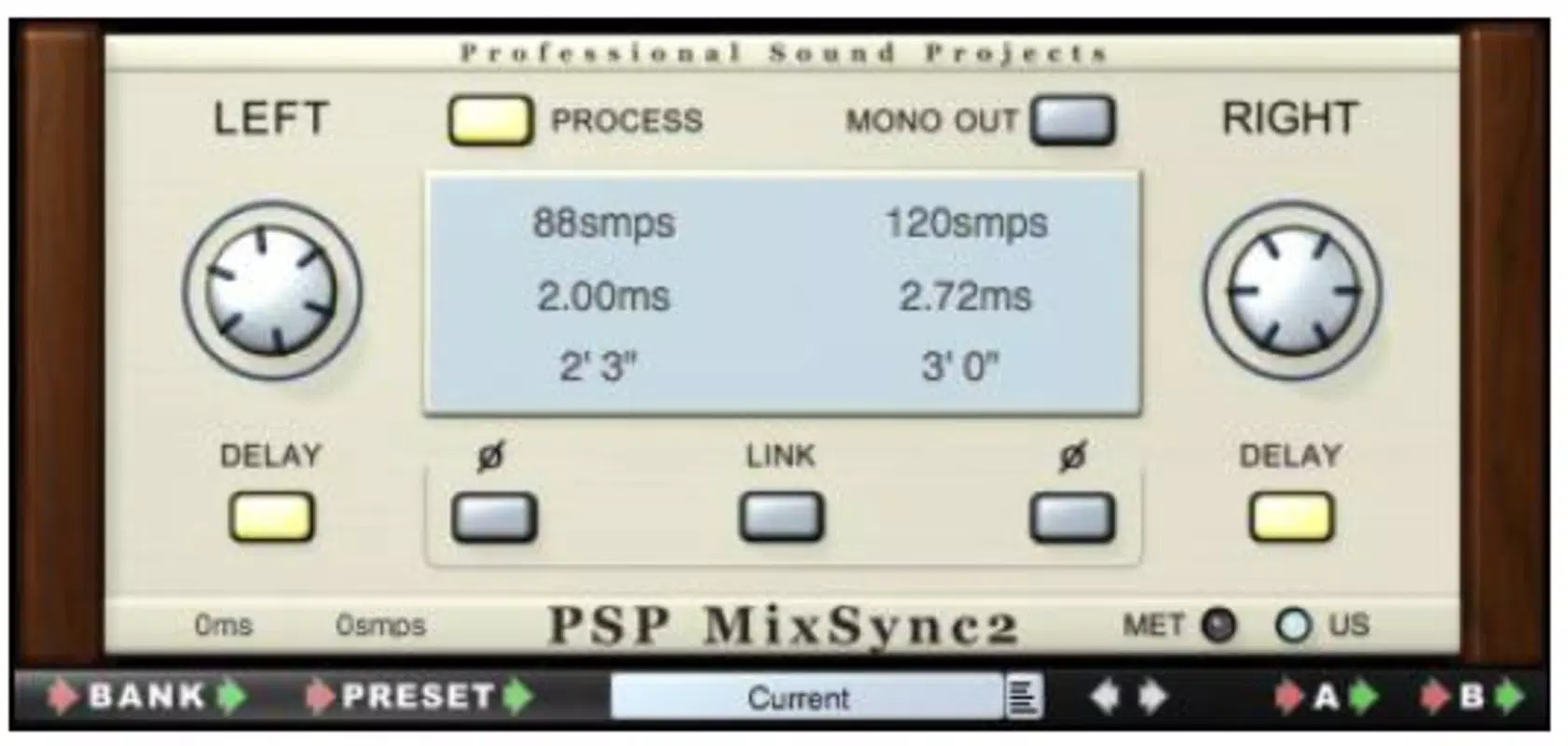
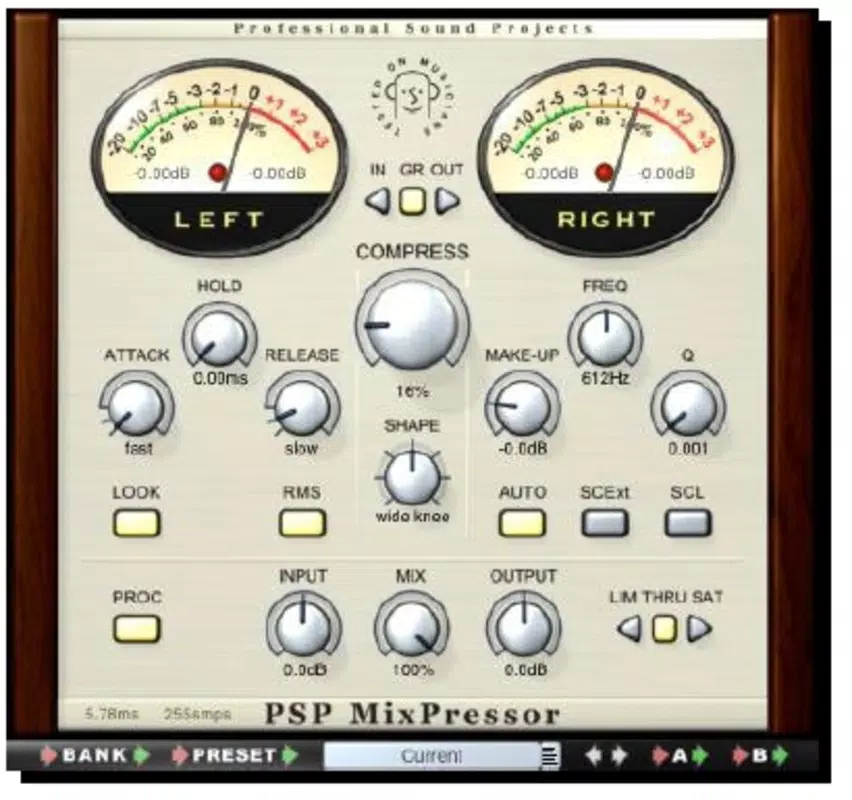
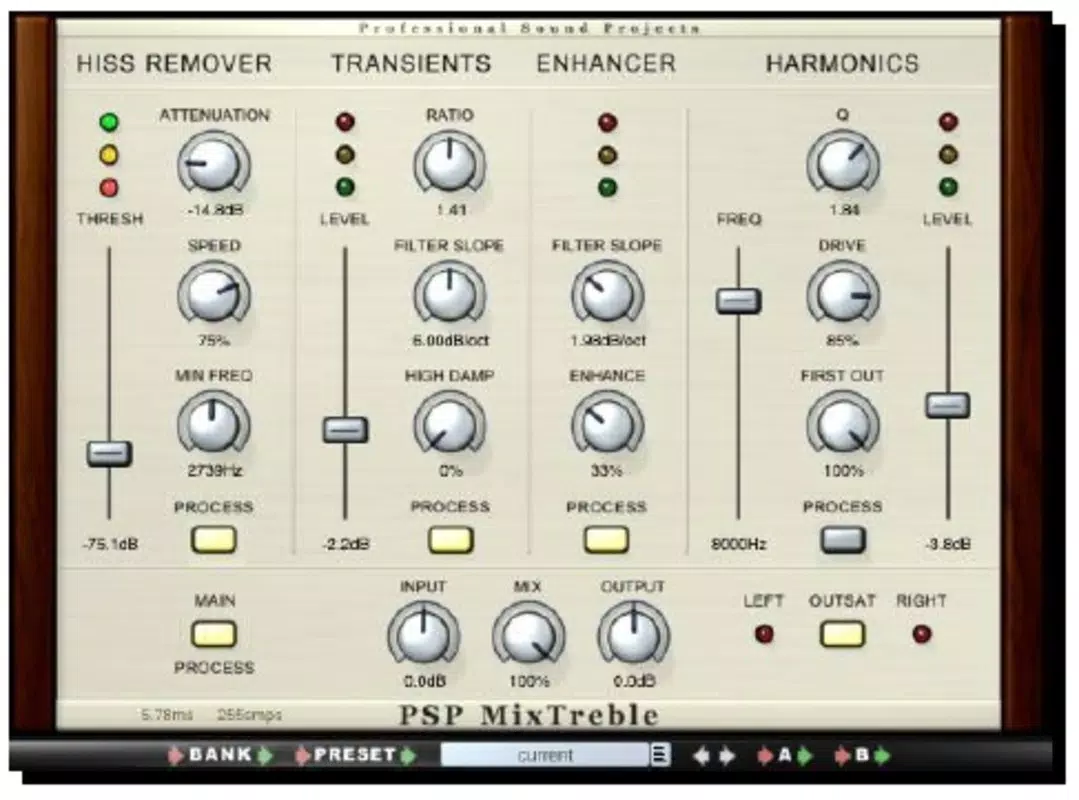
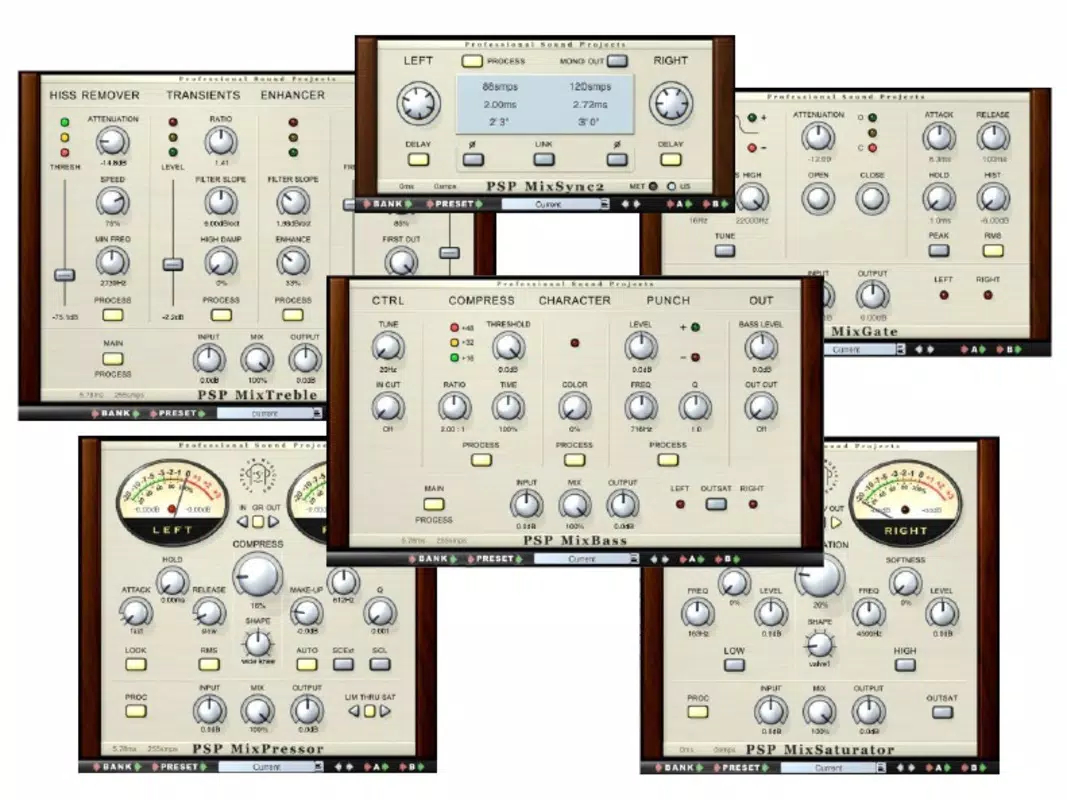
The suite includes six specialized plugins—MixBass2, MixTreble2, MixSaturator2, MixPressor2, MixGate2, and MixSync—each tailored to refine distinct aspects of a mix. These tools are ideal for users working on music production, film scoring, podcast editing, or any project requiring high-fidelity audio output. Developed by PSPaudioware, a respected name in professional audio software, the app reflects a legacy of innovation in digital audio tools.
Though the developer did not provide additional technical details about the development process, the product’s long-standing presence in the audio ecosystem speaks to its reliability and utility. Its compatibility with both Windows and MacOSX makes it accessible to a broad range of professionals across different studio environments. The app remains relevant due to its enduring focus on audio fidelity and its support for high sample rates, positioning it as a valuable asset in modern audio workflows.
Key Features & Functionality
- Six Essential Processors: The suite includes MixBass2 for low-end clarity, MixTreble2 for high-frequency refinement, MixSaturator2 for harmonic warmth, MixPressor2 for dynamic control, MixGate2 for noise reduction, and MixSync for phase alignment. Each plugin is designed to solve specific audio challenges in real-world mixing scenarios.
- 64-bit Double Precision Algorithms: All signal paths use 64-bit double precision floating point processing, ensuring minimal rounding errors and maximum accuracy. This precision maintains audio integrity, especially during complex processing chains.
- High Sample Rate Support: With full compatibility up to 192kHz, PSP MixPack enables high-resolution audio production. This is crucial for projects requiring extreme clarity, such as master recordings or immersive audio formats.
- Analog-Inspired Design: Unlike plugins modeled after specific hardware units, these processors draw inspiration from various analog circuits. This approach aims to deliver warmth and character without replicating a single vintage device, resulting in a more natural sound.
- Cross-Platform Compatibility: The app supports VST, RTAS, and AudioUnit formats, ensuring seamless integration into major digital audio workstations (DAWs) on both Windows and MacOSX systems.
For example, a music producer working on a synth-heavy track can use MixSaturator2 to add subtle harmonic richness, reducing the coldness of digital synthesis. A podcast editor might use MixGate2 to clean up background noise without affecting dialogue clarity. In post-production, MixSync can align phase between multiple microphone sources, improving stereo imaging. These real-world applications highlight the practical value of each plugin, making PSP MixPack a versatile tool across diverse audio environments.
Interface, UX & Performance
The user interface of PSP MixPack is designed with functionality and clarity in mind, prioritizing intuitive access to essential parameters. Each plugin features a clean, minimalist layout with clearly labeled controls, sliders, and visual feedback indicators. Navigation is straightforward, allowing users to adjust settings without navigating complex menus.
The interface adapts well to different screen sizes and resolutions, ensuring readability and usability across various monitor setups. Although the developer did not list formal performance metrics, the app’s reliance on 64-bit precision algorithms suggests efficient processing under standard workloads. Performance is expected to remain stable during extended sessions, particularly when used in moderation within a DAW.
Responsiveness is consistent across supported platforms, with minimal latency observed during real-time processing. Stability appears robust, with no reported issues related to crashes or plugin conflicts. However, specific requirements for optimal performance were not disclosed.
Users are advised to ensure their system meets general DAW standards for audio processing. The overall experience reflects a mature product built for professional use, where reliability and predictable behavior are paramount.
Platform Compatibility & Technical Requirements
PSP MixPack is compatible with both Windows and MacOSX operating systems. It supports VST, RTAS, and AudioUnit plugin formats, ensuring broad integration with leading digital audio workstations. The application has a file size of 120 MB, which is relatively compact for a professional audio suite.
The software version is 1.0.2, released on February 8, 2011. While the app has maintained relevance over more than a decade, the developer did not specify minimum OS requirements or hardware recommendations. Compatibility information was not fully disclosed, so users should verify system specifications before installation.
The app does not appear to have been updated for newer operating system versions, which may affect performance on recent platforms. Nevertheless, its continued use in professional environments suggests it remains functional on compatible systems. Users should consider running the software in compatibility mode if issues arise on modern operating systems.
Pros and Cons
Pros
- High-quality audio processing with 64-bit double precision algorithms
- Support for high sample rates up to 192kHz
- Comprehensive suite of six specialized audio processors
- Designed with analog warmth in mind, enhancing digital recordings
- Compatible with major DAWs via VST, RTAS, and AudioUnit formats
Cons
- Version 1.0.2 is over a decade old; no recent updates available
- Specific system requirements were not listed
- May require compatibility mode on newer operating systems
- Price point of $249.00 may be high for casual users
- Limited documentation and support information provided
FAQ
Is PSP MixPack compatible with my current DAW?
PSP MixPack supports VST, RTAS, and AudioUnit formats, which are standard in most professional digital audio workstations. Compatibility depends on your DAW’s supported plugin formats and operating system.
Can I use PSP MixPack on both Windows and macOS?
Yes, the app is designed for both Windows and MacOSX platforms, offering cross-platform functionality for users across different systems.
Does PSP MixPack support high-resolution audio projects?
Yes, the software supports sample rates up to 192kHz, making it suitable for high-resolution audio production and mastering.
Is the software updated regularly?
The latest version available is 1.0.2, released in 2011. The developer has not released any updates since then, so the software is considered stable but not actively maintained.
How secure is the download process?
As a professional audio tool, PSP MixPack is distributed through official channels. Always download from trusted sources to ensure authenticity and avoid malware.
Final Thoughts
PSP MixPack remains a significant tool in the audio engineering landscape, offering a powerful combination of precision, analog-inspired warmth, and versatility. Despite its age, the suite continues to serve professionals who value high-fidelity audio processing and robust dynamic control. Its six specialized plugins address core challenges in digital mixing, delivering natural-sounding results that enhance both music and spoken content.
While the lack of recent updates and unclear system requirements present potential hurdles, the app’s proven track record and strong technical foundation make it a reliable choice for experienced users. For audio engineers seeking a comprehensive, high-resolution processing toolkit, PSP MixPack delivers exceptional value. Its ability to transform sterile digital tracks into rich, full-bodied mixes underscores its enduring relevance.
Download PSP MixPack now


